Scammers want access to your computer.
Not on our watch.
Real People.Real Protection.Real Peace.
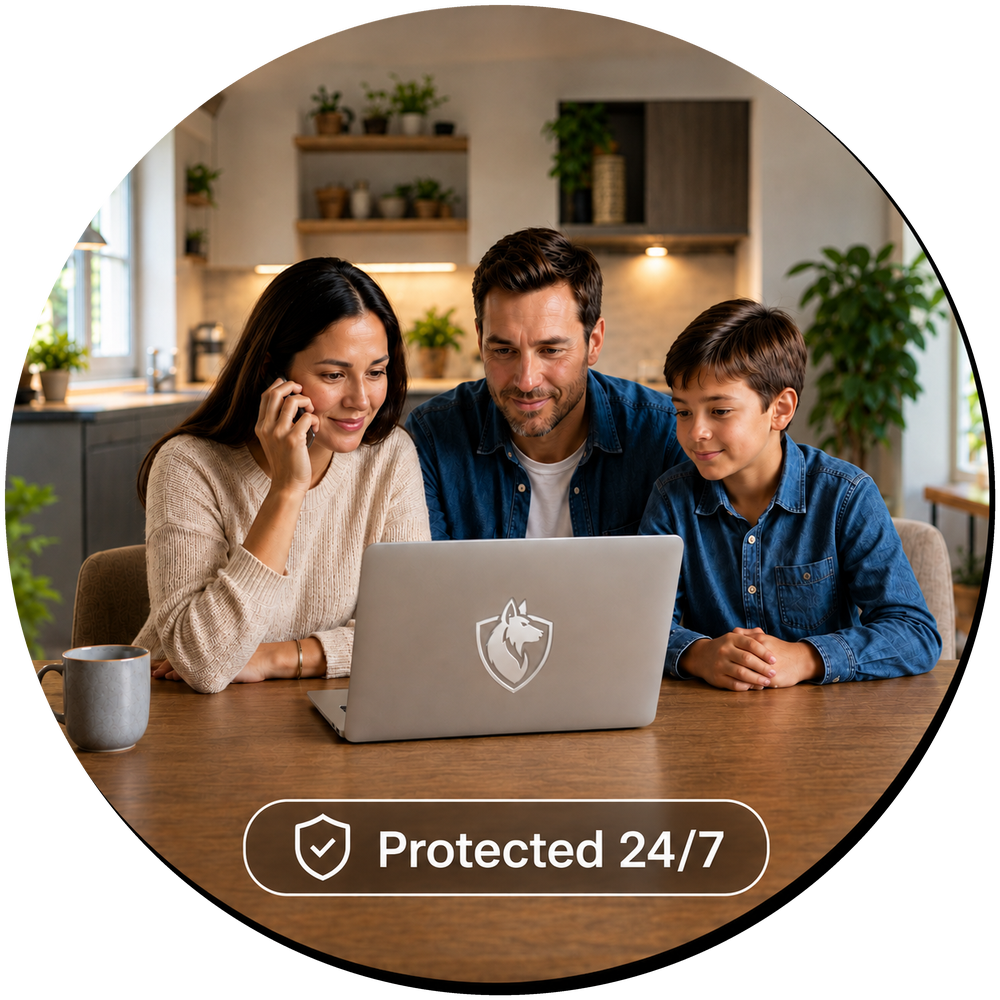
Quiet 24/7 Protection
Real-Time Alerts
Real Humans Respond
20+ Years of IT Trust
Free Setup Help
HOW LURKALERT WORKS
A Shepherd That Never Sleeps
Every home security system has a monitoring center behind it — real people on call around the clock, ready to respond the moment something triggers. Now your computer has the same thing. If a scammer tries to take control, our team is quickly alerted and moves to intervene before damage can occur.
1
Quiet Monitoring
LurkAlert runs quietly in the background on your computer, scanning for the kinds of remote access tools scammers use to take control. You will not see it working, and it will not slow you down. It simply keeps guard. Like a shepherd guarding over a flock — quiet, steady, and always alert.
2
Real-Time Alerts
The moment something concerning is found, our team is notified right away. We do not wait for you to discover the problem. We reach out to you and work quickly to stop the threat before damage can occur.
3
Human Response
You are never left to figure this out alone. A real person from our team calls you, explains what was found, and takes action immediately to secure your computer. If you’d like us to log in after an incident and walk you through what happened, we’re happy to — with your approval, right on your screen. Software catches the signal. People shut it down.
WHO IS LURKALERT FOR?
Protection for the People Who Matter Most
Whether you’re looking out for a loved one, protecting your clients, or simply taking care of yourself — LurkAlert is built for people who deserve real protection from real people.



WHY THIS MATTERS
How Remote Access Scams Work
Remote access scams follow a pattern. Understanding that pattern is the first step to staying ahead of it. Here is how they work — and why they are so easy to miss.
$1.46 Billion
Lost to tech support fraud in 2024
— FBI Internet Crime Report (IC3)
— FBI Internet Crime Report (IC3)
$4.9 Billion
Lost by Americans over 60 to fraud in 2024
— FBI Internet Crime Report (IC3)
— FBI Internet Crime Report (IC3)
It Only Takes Two Clicks
Two clicks. That’s all it takes to hand a stranger complete control of your computer. Most remote access scams start with something that feels urgent — a call from Microsoft, a pop-up warning your computer is infected, or a message from a trusted friend whose account was taken over. It feels harmless in the moment. And you might not even know you did it.
Once They Are In, They Are You
A remote access tool lets someone else control your computer as if they were sitting at it. They can see your screen, open your files, log into your accounts, and even move money. Many of the usual protections, like two-factor codes and fraud detection, do not help in this situation because the activity looks like it is coming from you.
The Signs Are Usually Quiet
Scammers often leave tools installed so they can come back later. Most people do not notice anything is wrong until money is missing or an account is locked. This is the gap LurkAlert is built to close. By the time most people notice something is wrong, the damage is already done. LurkAlert is built to catch it before that moment.
With Your Digital Shepherd,
You’re Never Alone.
Now you know how these scams work. LurkAlert is the answer — quiet background monitoring and a real person ready to respond the moment something goes wrong.
24/7
Always On Monitoring
<2 Min
Average Alert Delivery
Real
Human Experts, Not Bots
No Contract
Cancel Anytime, No Risk
Prevent
Before Damage Is Done
Affordable
Plans to Meet Any Budget
OUR STORY
Built by People Who Have Seen It Happen
We are Computer Helper — a family-run IT team that has been looking after small businesses and everyday people since 2003. LurkAlert is not a product we licensed or outsourced. It is something we built ourselves, because the scam calls kept coming and we kept watching good people get hurt.
We built LurkAlert because the people who call us after a scam almost always say the same thing. They wish someone had caught it sooner. That is exactly what LurkAlert is designed to do. Real protection, real people, real response. We treat every client the way we’d want someone to treat our own — with real care, plain English, and someone who actually picks up the phone.
✓
Family-owned IT support since 2003
✓
Local team — not a call center
✓
Real people who pick up the phone
20+ yrs
Serving Our Community
FROM OUR CUSTOMERS
Real Stories. Real Protection.
“
I barely hung up the phone when Gerald called — LurkAlert had already flagged a potential scam. He checked my computer and confirmed an attempt had been made, but it was stopped before any damage was done. Even though I ended the call with the scammer, I had no idea that I had installed a remote tool that the scammer would have used later to access my computer. LurkAlert did that for me.
“
In my 80s, technology is not always easy — and scammers know it. On two occasions I gave personal information to people I believed were from companies I trusted. Both times, LurkAlert alerted Gerald immediately. He shut down my computer, removed their access, and called to explain exactly what had happened. I now have real peace of mind knowing someone is watching over my computer.
“
LurkAlert alerted Gerald that something was wrong. When he could not reach me by phone, he connected remotely, found someone actively trying to hack my computer, and shut it down immediately. As he checked that all was clear, another suspicious email appeared — he handled that too. After that day, there is no doubt: LurkAlert really does work.
“
I opened what looked like a routine invite from my ministry coordinator — but her account had been hacked, and it silently installed a remote access tool on my computer. Within three minutes, LurkAlert detected the breach, Computer Helper called me, and the unauthorized access was removed. They even helped me draft a warning to send to everyone on the list.
FROM THE BLOG
Tips, Warnings & Real Talk About Digital Safety
Practical articles written for real people — not IT professionals.
Scam Awareness
What Is a Remote Access Scam? (And How to Spot One Before It’s Too Late)
Remote access scams are one of the fastest-growing threats targeting everyday computer users. Learn the warning signs before they find you.
Warning Signs
5 Signs Someone Is Trying to Take Control of Your Computer
Not all computer threats come from viruses. Here are five clear warning signs that a scammer may be attempting to gain remote access.
Recovery
What to Do Immediately After a Tech Support Scam
If you think you’ve been scammed, fast action matters. Here’s exactly what to do in the hours and days after it happens.
ANSWERS UP FRONT
Good Questions. Honest Answers.
Honest answers to the questions people ask most before signing up.
What exactly does LurkAlert do?
LurkAlert monitors quietly in the background on a Windows computer for signs of remote access tools, which are the programs scammers use to take control of a computer during a scam. When something concerning is found, our team is notified and reaches out to you quickly. It is focused, early-warning protection, not a full antivirus or cleanup service.
What does it cost?
Plans start at $30/month for one computer, with options for up to 4 computers. Every plan includes 24/7 quiet monitoring, real-time alerts, and a real person ready to respond — no hidden fees, no contracts. See the full breakdown on our Pricing page.
Do I need to install anything?
Yes, a small program is installed on the computer being protected. You will receive an email with a custom link created just for you to get the setup started. If you run into any problem, we can walk you through it on the phone. Setup help is included at no extra cost.
Will it slow down my computer?
No. LurkAlert is designed to run quietly in the background with very little impact on how the computer works. Most people forget it is there until they get a call from us.
What happens when an alert is triggered?
A real person from our team contacts the customer, and if requested, a trusted family member as well. We explain what was found in plain language, help disconnect anything that should not be there, and walk through the next steps to secure the computer and any affected accounts.
Does this work on Mac, or only Windows?
LurkAlert currently monitors Windows computers only. The remote access tools scammers rely on most are Windows-specific, which is where our monitoring is focused. If you have a mix of Windows and Mac computers, we can protect the Windows devices. Not sure what you have? Give us a call — we are happy to help you figure it out.
Why do you call it a ‘Digital Shepherd’?
A shepherd’s job isn’t to make noise — it’s to stand guard quietly and step in the moment something goes wrong. That’s exactly what LurkAlert does. We run in the background, staying completely out of your way, until the moment we’re needed. Then we act fast. The name felt right because that’s genuinely how Gerald and the team operate: watchful, calm, and ready.
Is this a replacement for antivirus?
No, and we are honest about that. Antivirus and good everyday habits still matter. LurkAlert is a focused second layer that watches specifically for the kind of remote access activity that scammers rely on, which is an area most general antivirus products do not cover well.
Can you stop a scam automatically before it happens?
No system can promise that, and we will not pretend otherwise. What LurkAlert can do is catch the signs early and get a real person in the loop quickly, which in many cases is the difference between a scare and a serious loss.
Is this a good fit for an older parent or grandparent?
Yes, this is one of the most common reasons people sign up. Many of our customers are parents and grandparents, and many are signed up by a concerned adult child. Alerts can be sent to both the user and a trusted family member, so no one has to handle a scary moment alone. LurkAlert is also a strong fit for small business owners and individuals who simply want real, human-backed protection without managing it themselves.
Can your team log into my computer without my permission?
No. We will never connect to your computer remotely without your explicit approval. If our team needs to access your computer to investigate an alert or remove a threat, you will see a prompt appear on your screen asking you to allow the connection. We only proceed after you accept. You are in control at every step.
How is my information protected?
LurkAlert is built and operated by Computer Helper, a family-run IT business that has handled sensitive data for small businesses and families since 2003. We only collect what is needed to monitor for suspicious activity, and we do not sell or share customer information.